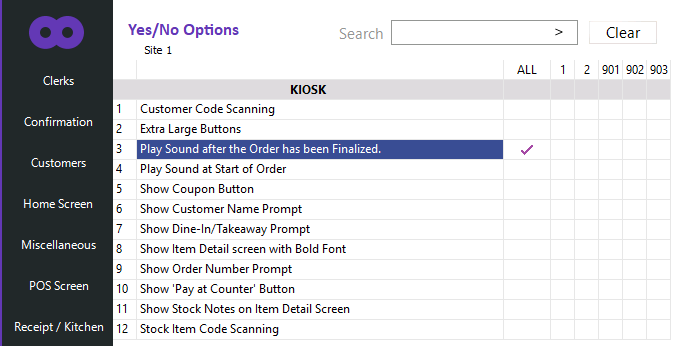
This option will play a sound when the customer finishes the order.
You can change the sound by overwriting the KioskFinalizeOrder.wav file.
To configure this option, go to: Back Office > Setup > Yes/No Options > Kiosk > Enable "Play Sound after the Order has been Finalized".
If required, the KioskFinalizeOrder.wav can be overwritten with a custom sound file.
The KioskFinalizeOrder.wav file is located in C:\ProgramData\Idealpos Solutions\Idealpos\